

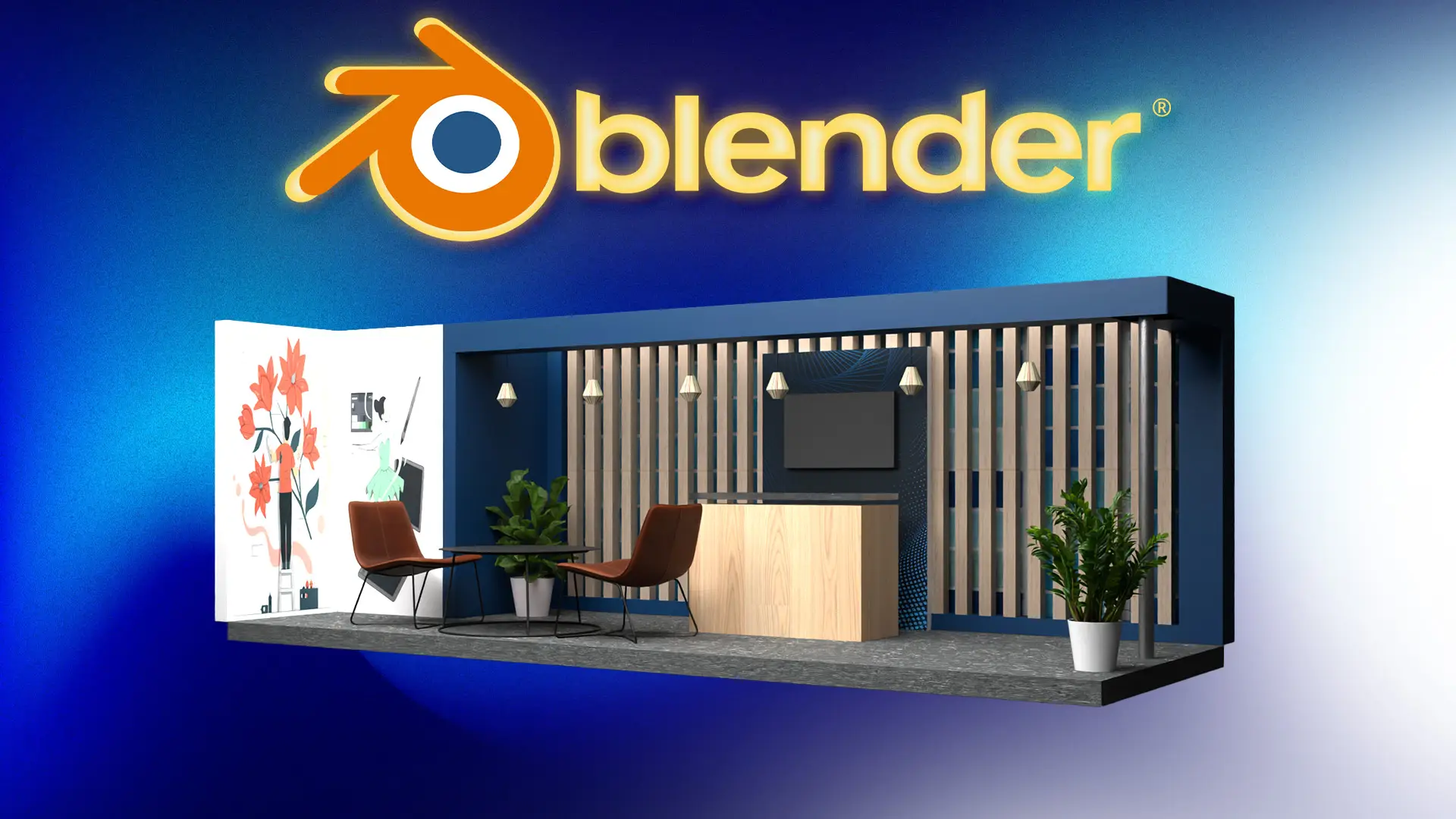
Blender 3D Exhibition Booth Design: Create Real-World Event
Design and render a complete 3D exhibition booth in Blender – perfect for freelancers, event professionals, and 3D artis
Karan Rathore
Creative Specialist
Here’s what you will learn?
- How to plan and design a realistic 3D exhibition booth using Blender
- Creating materials and applying textures to achieve a clean and professional look
- Exporting renders suitable for client presentations or portfolios
- How to use reference files and provided textures to support your own custom designs
- Modeling booth elements such as walls, counters, panels, and branding structures
- Setting up lighting and cameras for a high-quality final render
- Real-world tips for booth layout, proportion, and presentation based on event industry standards
This Course Includes
- Recorded Lessons: 12
- Recorded Hours: 44min
- Certificate of completion
- Access on Mobile
Course Description
Do you want to create realistic, professional 3D exhibition booths that look like they belong in a real event or expo?
In this course, you’ll learn how to design a complete 3D event/exhibition booth using Blender, from layout and modeling to lighting and rendering. This project-based class is designed for intermediate Blender users who already understand the basics and want to apply their skills to real-world design scenarios.
Whether you're a freelancer, 3D artist, or working with an event agency, this course will teach you how to build impressive, portfolio-ready booths commonly used in trade shows, expos, and marketing activations.
Why Take This Course?
-
Apply Blender skills to client-relevant, practical design
-
Create a high-quality render for your portfolio
-
Understand how 3D design works in real event scenarios
-
Follow along with provided project files and textures
Who This Course Is For:
-
Intermediate Blender users looking to go beyond abstract scenes
-
3D artists or freelancers interested in booth or environment design
-
Event professionals wanting to visualize stalls in 3D
-
Students or interns preparing for client work or agency jobs
This course gives you a real design challenge — and guides you every step of the way so you end up with something tangible, impressive, and professional.
Course Content
12 Lessons | 44min
About the instructor

Karan Rathore
Creative Specialist
I have been online instructor in online learning platform from 2 Years I have created several courses on these platform and gained a really good community of serious learner globally online.
Frequently Asked Questions
₹549 ₹1100
Subscribe to Media & Creativity Pack
Get this course along with 6+ courses.